
01
Replay analysis
Index your .rep library offline. Summary, hotkeys, graphs, build order, simulation, profiles, and maps — deep captures run in the background.
3-in-1 desktop app
The 3-in-1 Windows app for StarCraft: Remastered — local replay analysis, in-game watching with live analytics, and an overlay for observer games and your own replays.
1v1 replays only — team games are not supported yet.
$49.99
One license per PC · Windows 10/11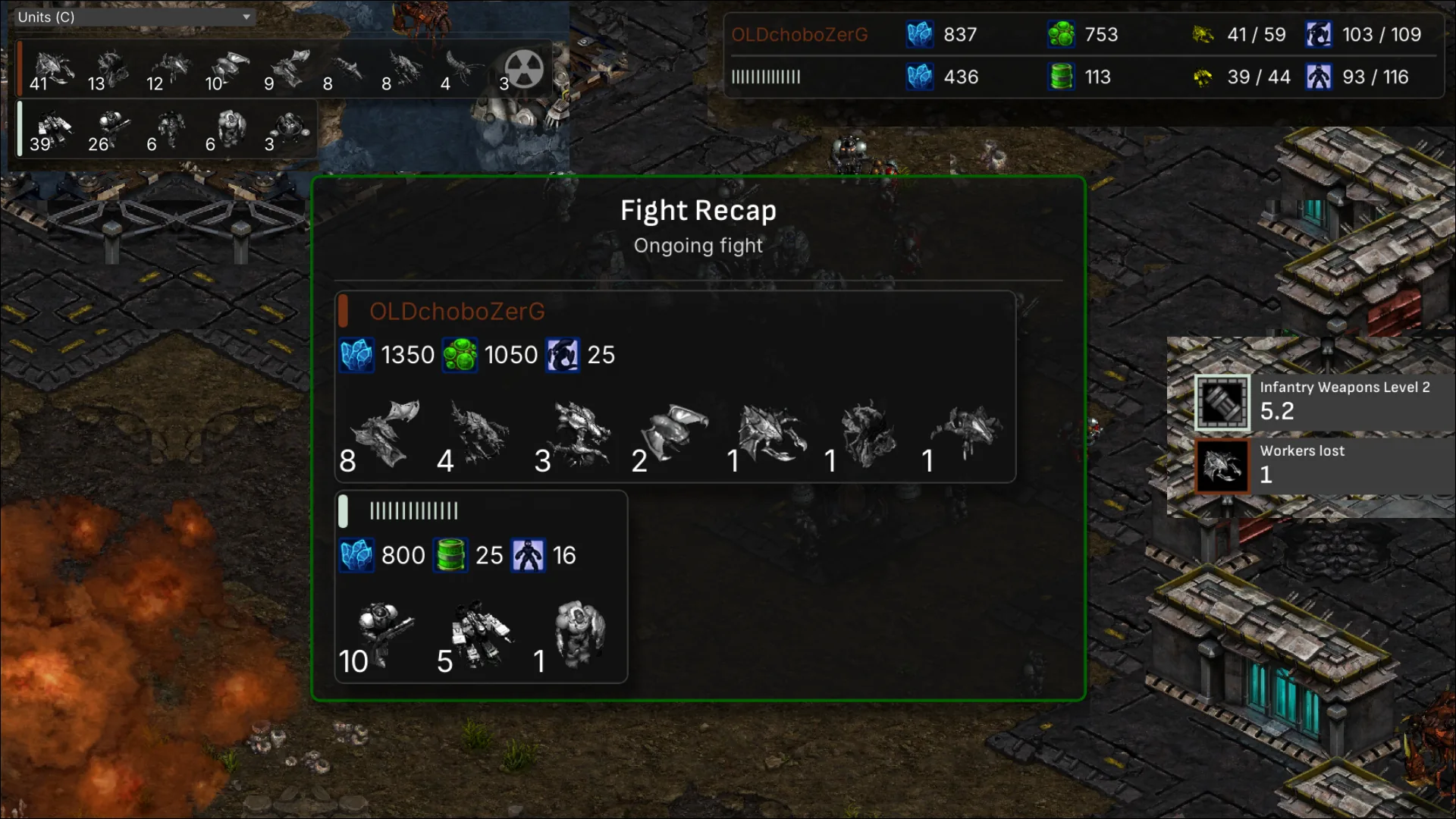
3-in-1 Windows app
Ultraseer is local StarCraft analysis, watching, and overlay — no upload, no wait.
01
Index your .rep library offline. Summary, hotkeys, graphs, build order, simulation, profiles, and maps — deep captures run in the background.
02
Watch 1v1 replays inside StarCraft: Remastered with live fight recaps, economy HUD, production, APM, and a dozen overlay panels.
03
Attach the same HUD to live observer games and to replays you open in SC:R — production, units, upgrades, and alerts without leaving Battle.net.
Download from the Microsoft Store — no sign-up or credit card.
20 replays included · install in one click
Unlock unlimited replays anytime with a license key.

Unlimited replays on one PC. Paste your license key in the app after purchase.
$49.99 · One-time purchase
One license per PC · Windows 10/11
Final sale, non-refundable. One license key per purchase.
Sign in to purchase
Panels and hotkeys while you watch 1v1s inside SC:R. Replay analysis and live overlay live in the same app — no upload, no worker, no server.
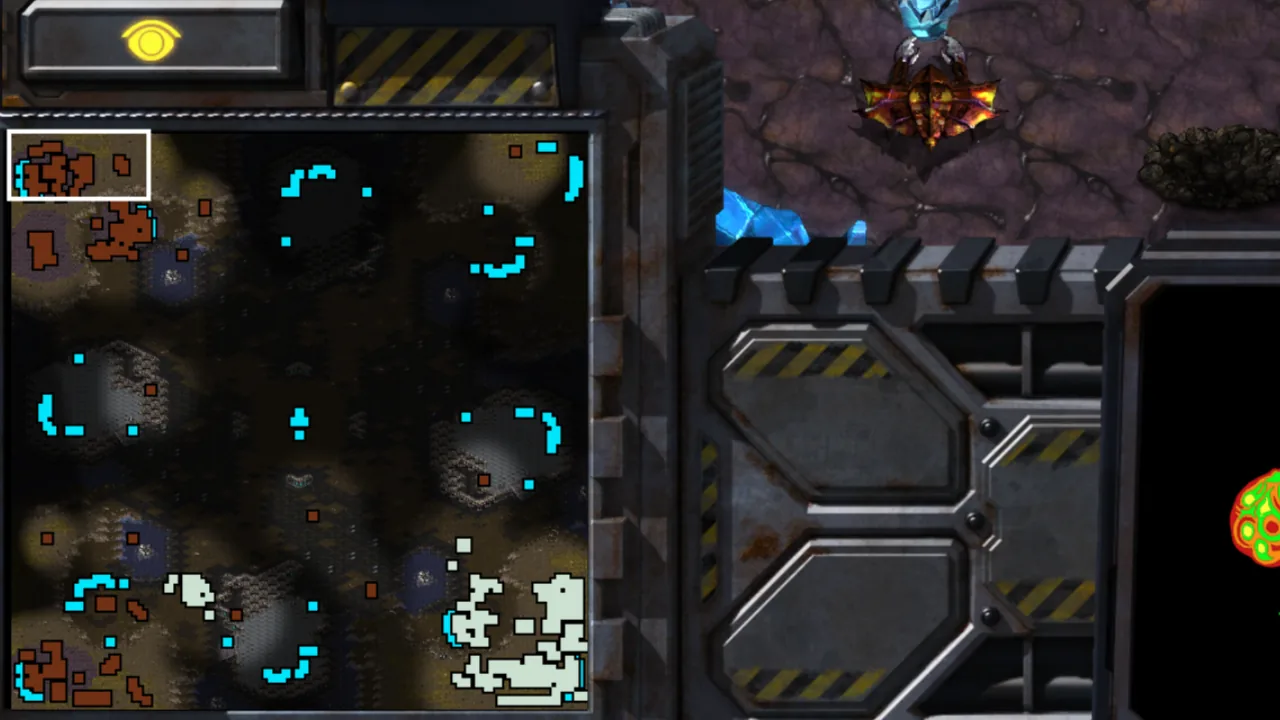
The main map and minimap are not pitch black. Explored terrain shows through fog of war, including mineral fields and gas geysers, so you can read the game visually while you watch.
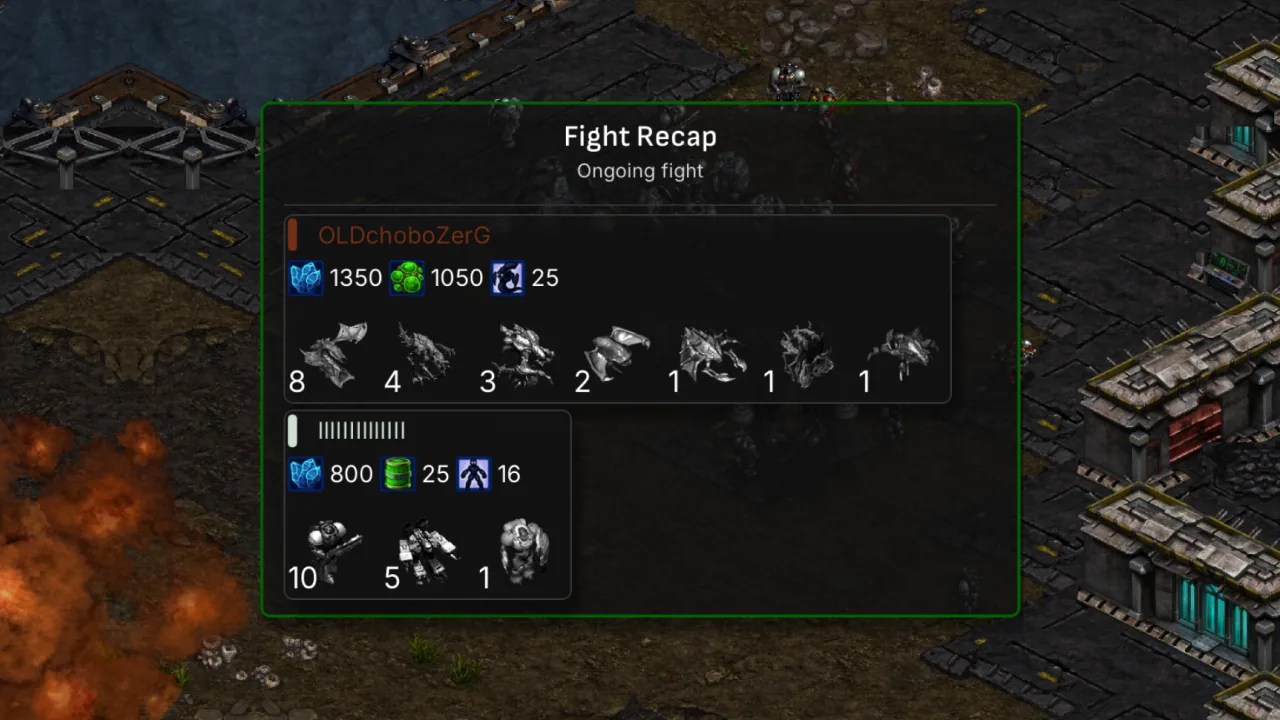
Center-screen recap of the current or last fight: units lost for both players with icons, plus minerals, gas, and supply value destroyed. Fights end automatically after 15 seconds without deaths.
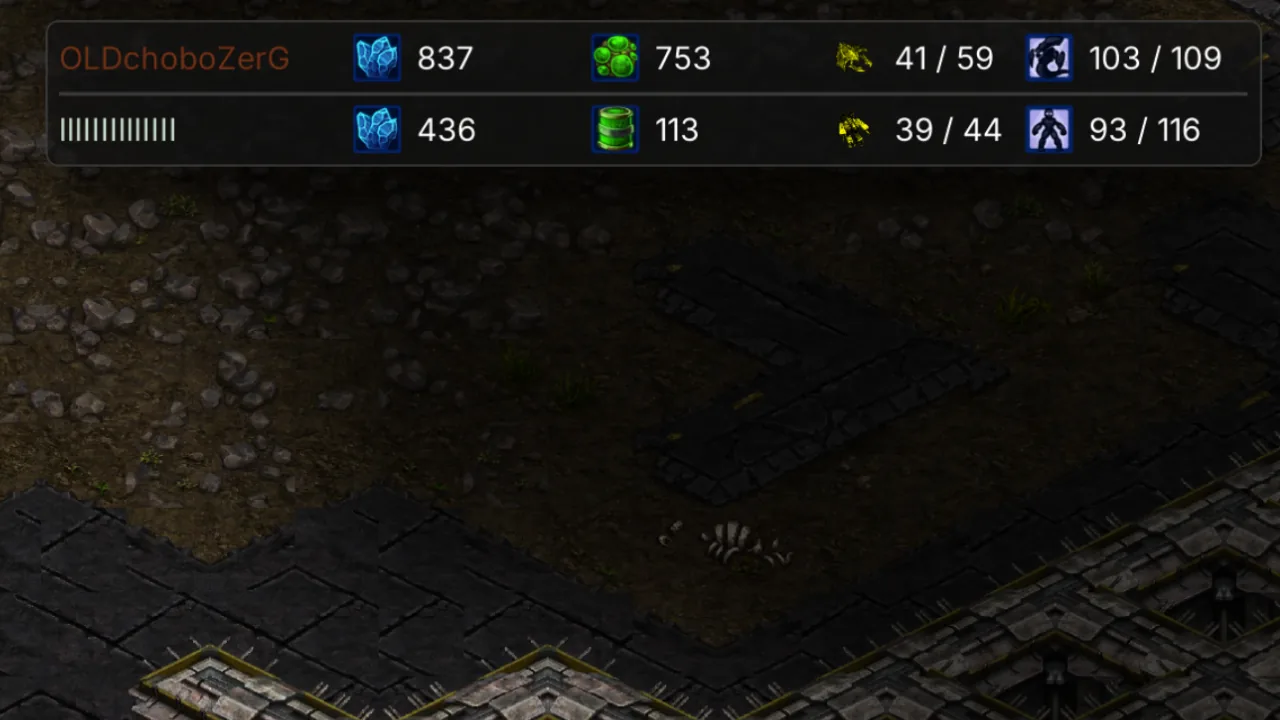
Top-right HUD for both players: minerals, gas, workers vs army supply. Click a player row to toggle their vision.
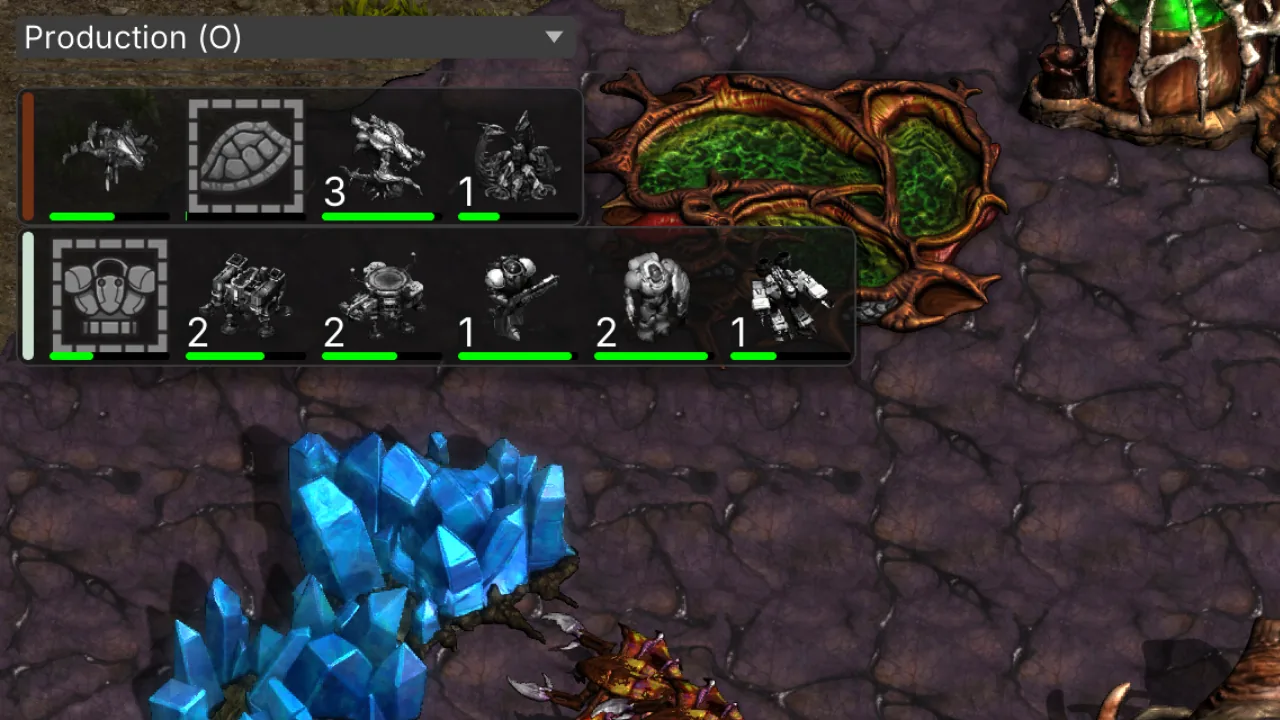
Left panel shows every building/research in progress with unit icons and completion progress, sorted with upgrades and tech prioritized.
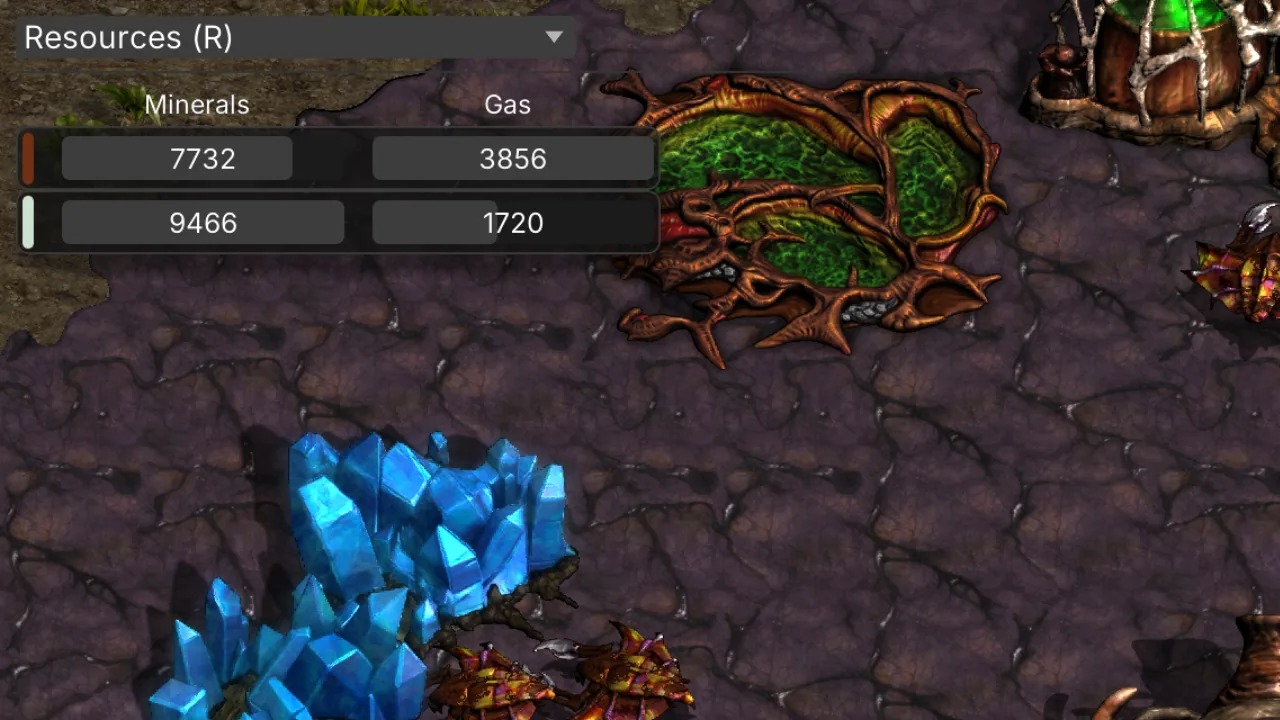
Cumulative minerals and gas mined by each player over the game — not your current bank.
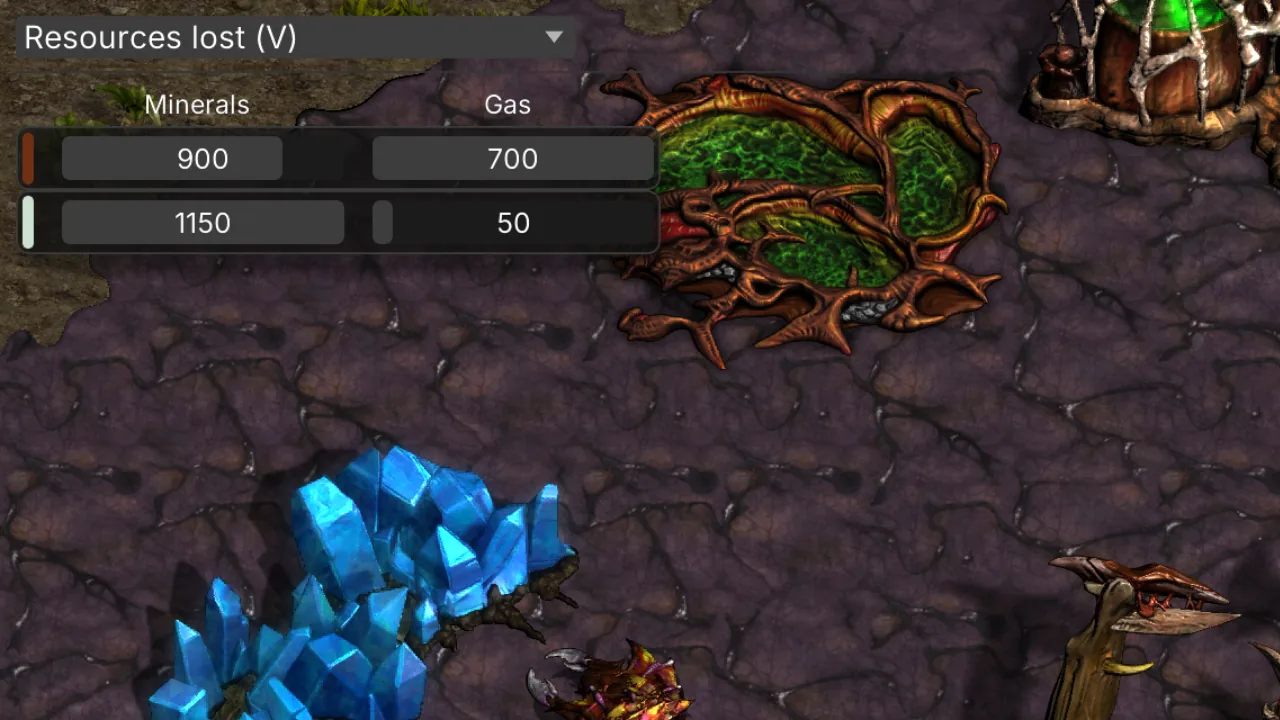
Running total of mineral and gas value lost over the game.
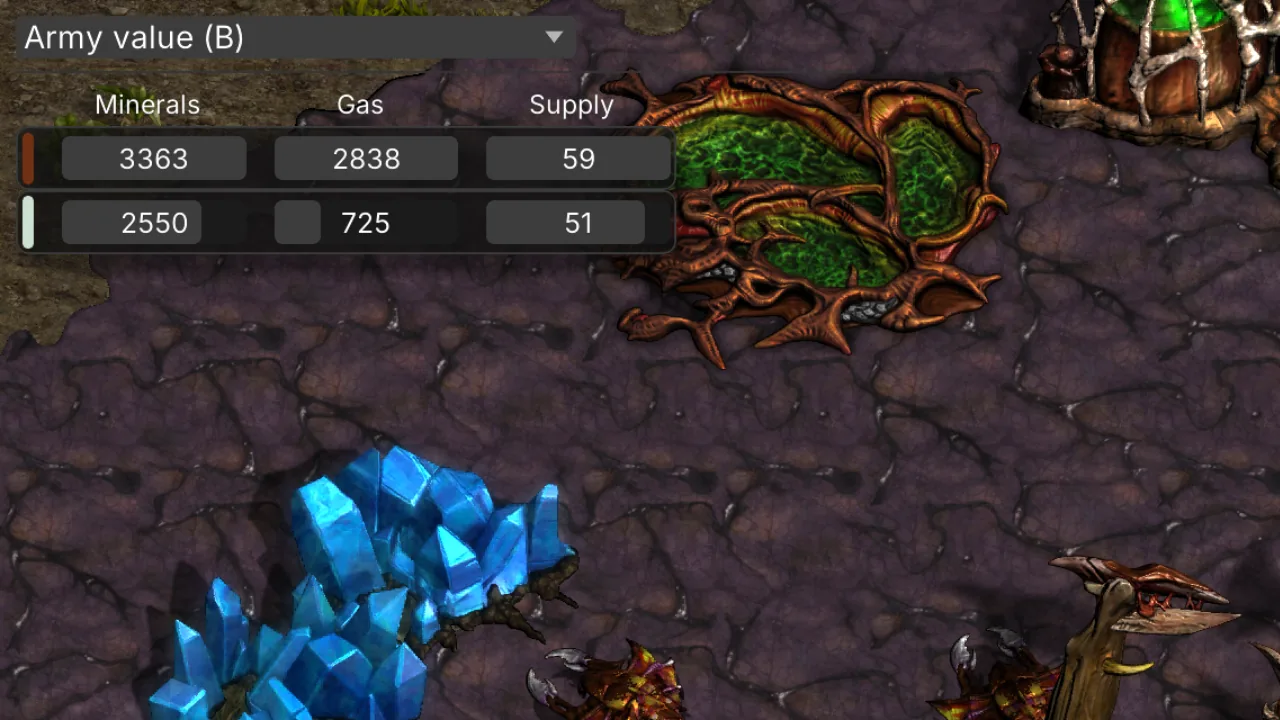
Live army mineral/gas/supply value on the field, excluding workers and morph placeholders.
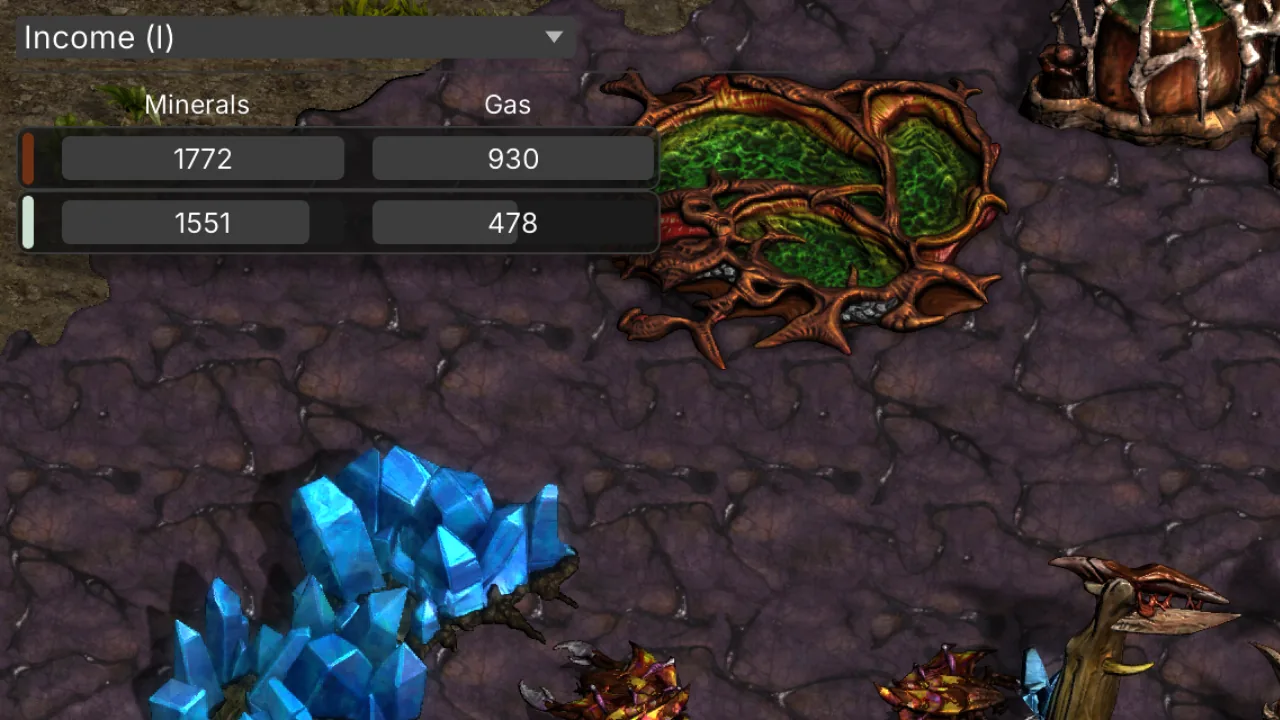
Per-minute collection rate from mining, with 15-second lookback and smoothed moving average.
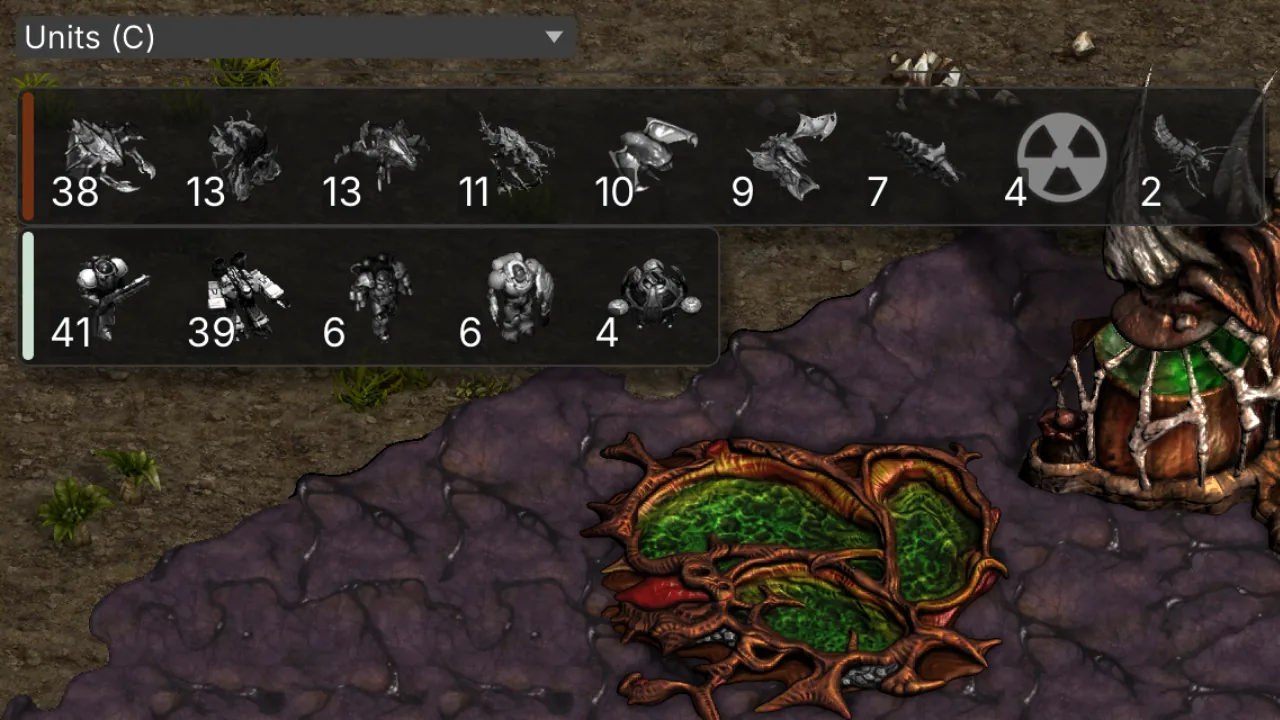
Full unit composition counts for both players.
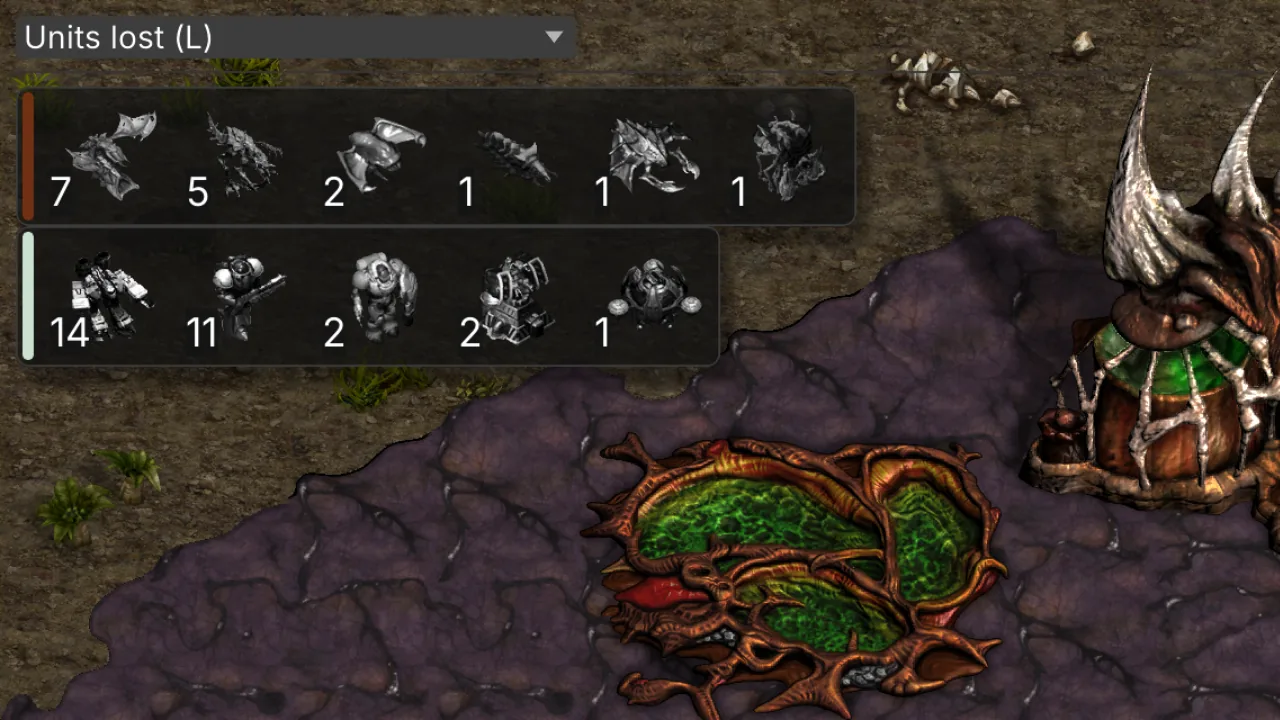
Cumulative unit losses by type for each player over the replay.
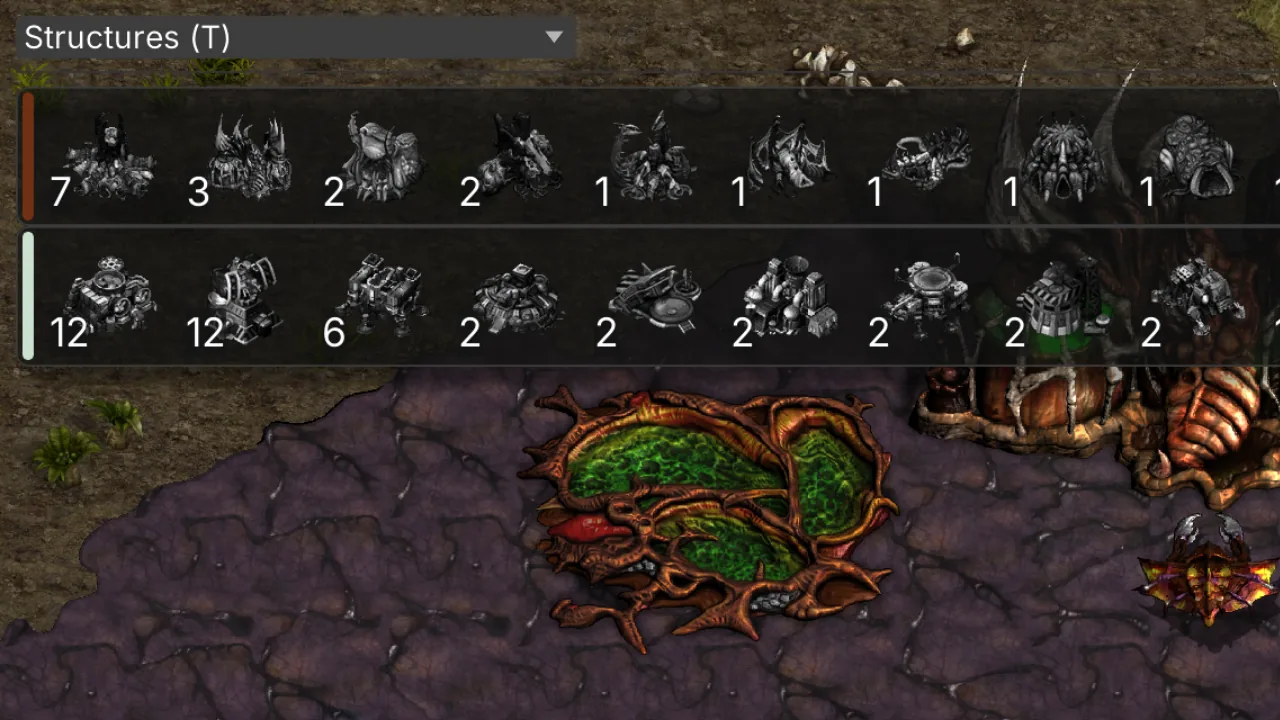
Building counts by type for each player — bases, production, tech, and defense.
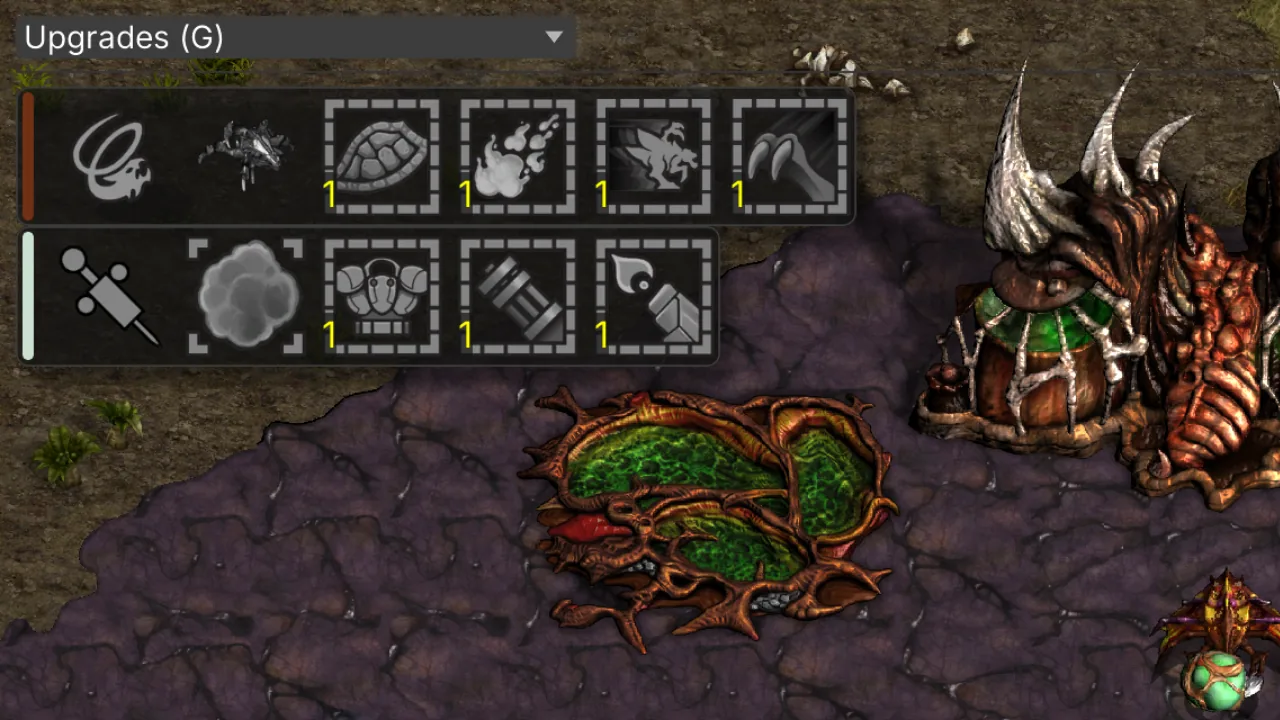
Completed upgrade levels for each player.
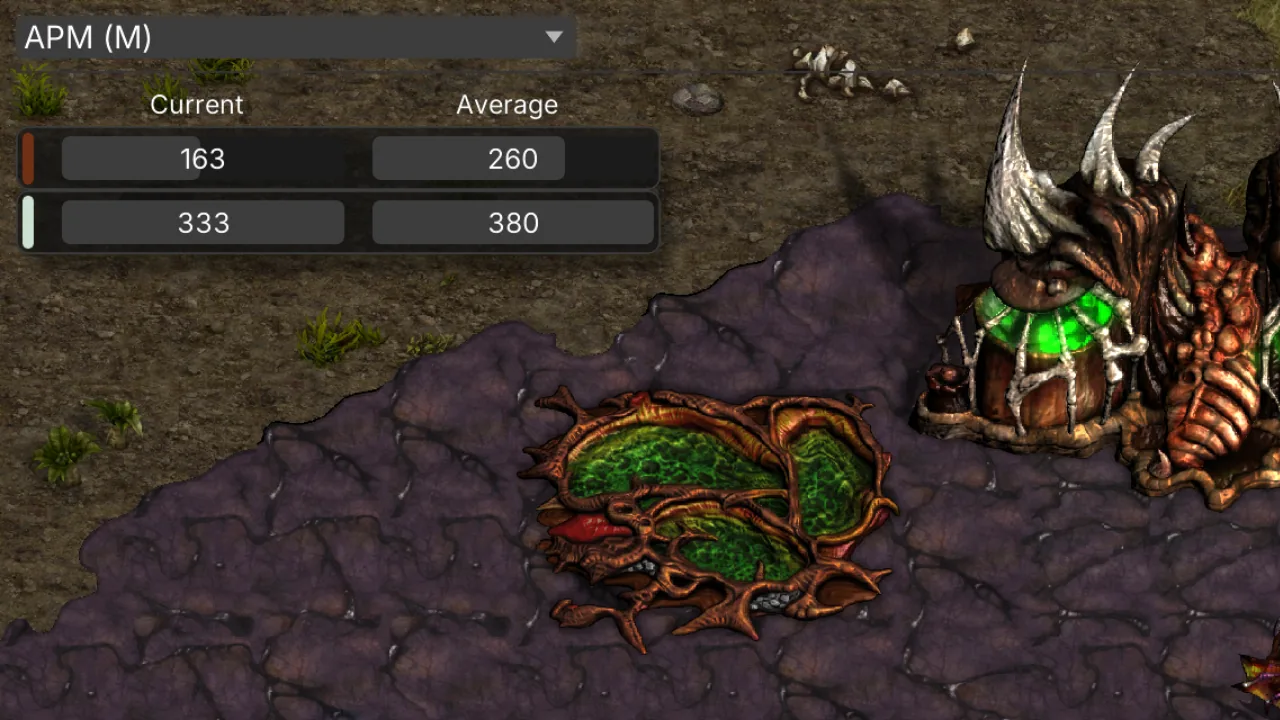
Actions-per-minute bars for both players.
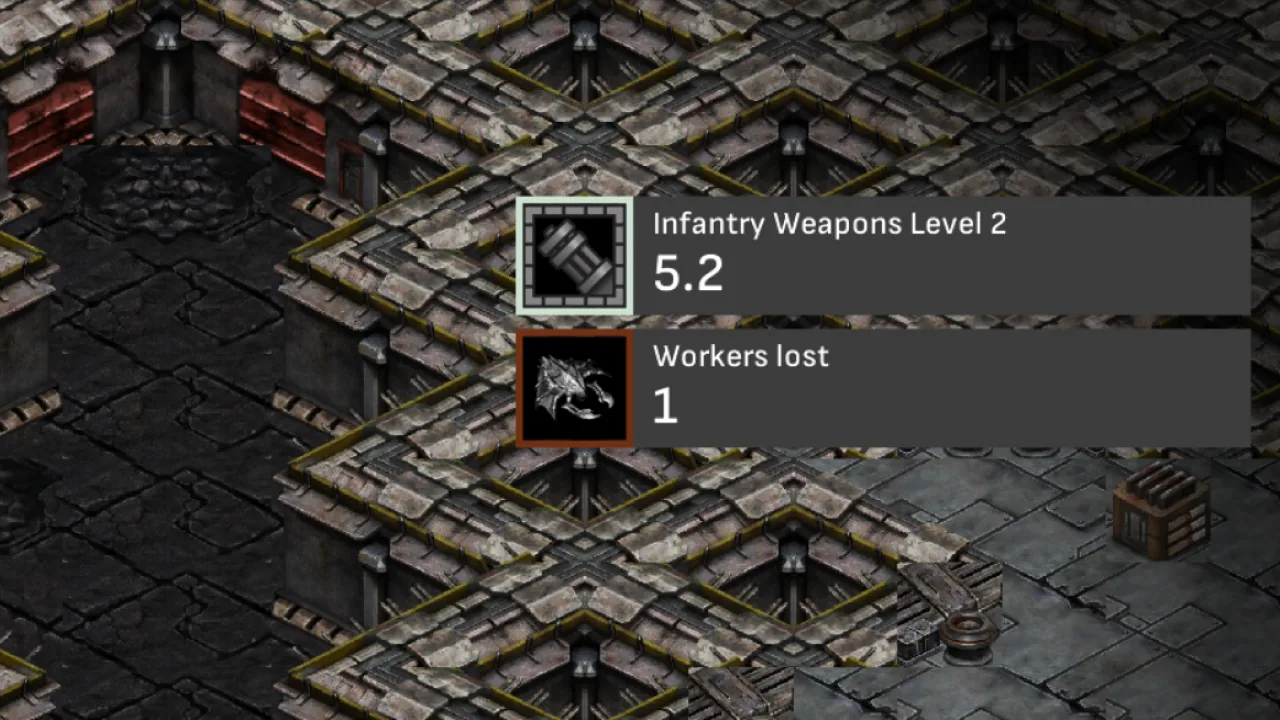
Right-side cards for worker losses (10s window), research nearing completion (15s), and research finished or cancelled (5s). Ctrl+U cycles placement (right, left, hidden).
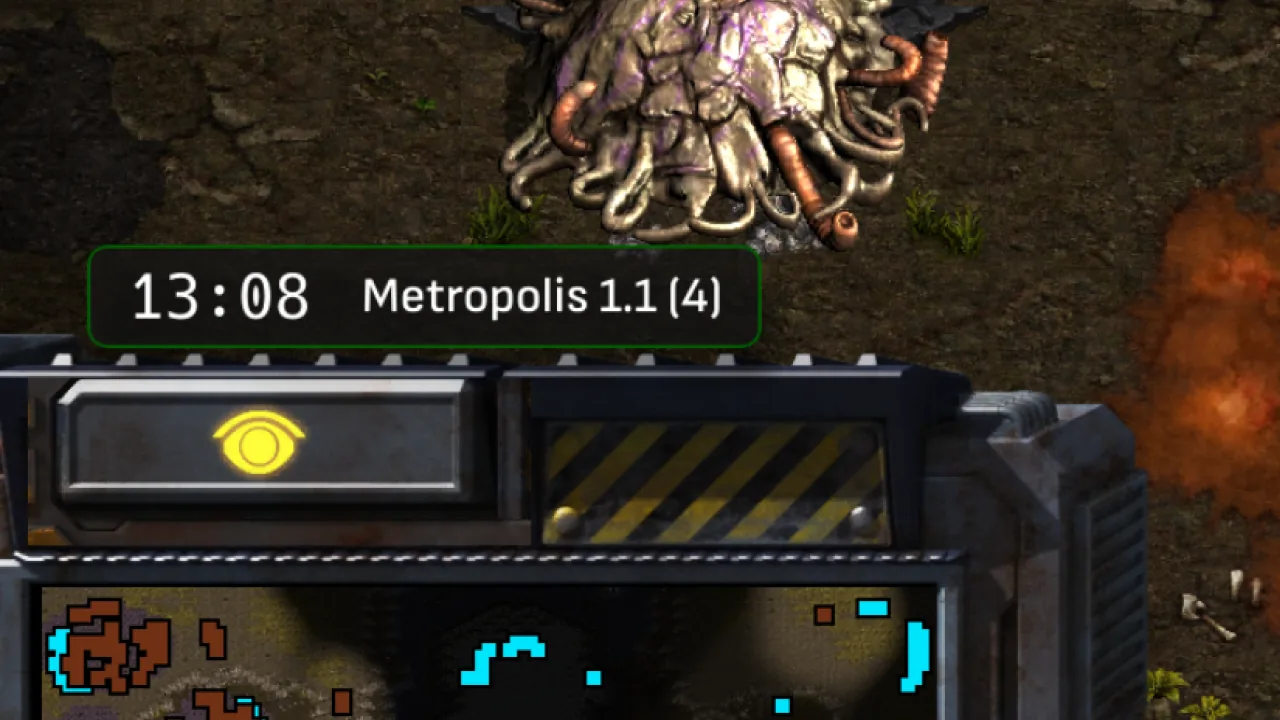
Game clock and map name anchored above the minimap.
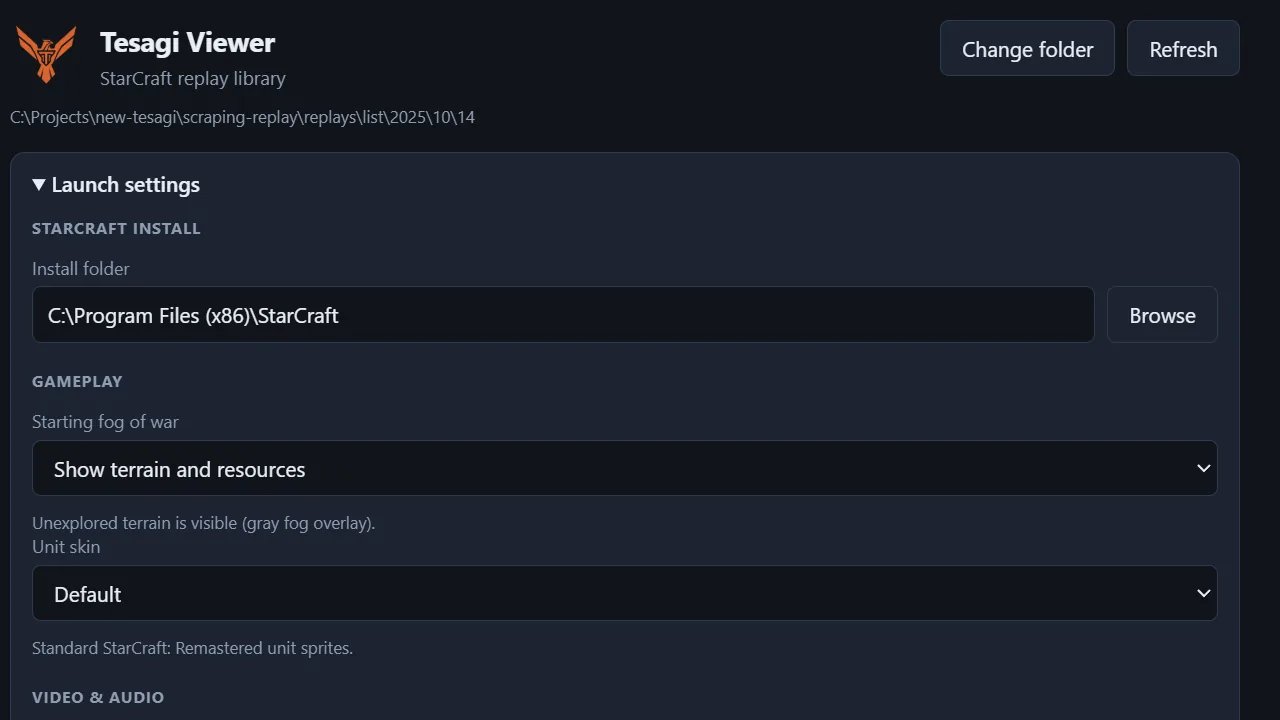
Portable Windows app with .rep file association. Launch StarCraft with your preferred settings — audio, music, HD or SD, Carbot, and more.
Press these while watching a replay in StarCraft. For modifier shortcuts, either Ctrl or Alt works.
| Key | Action |
|---|---|
| Ctrl+F | Toggle fight recap |
| Ctrl/Alt+Y | Toggle replay progress bar |
| Ctrl/Alt+K | Toggle camera follow |
| Ctrl+U | Cycle replay alerts placement |
| Key | Action |
|---|---|
| A | Show all overlay panels |
| E | Toggle live economy bar |
| F | Toggle left panel |
| N | Left panel: none |
| Key | Action |
|---|---|
| O | Production queue |
| R | Resources |
| V | Resources lost |
| B | Army value |
| I | Income rate |
| C | Units on field |
| L | Units lost |
| H | Hidden units |
| T | Structures |
| G | Upgrades |
| M | APM |
Beyond replays, attach the same analytics HUD to a live game you are observing — no .rep file needed.
One-time purchase, final sale, non-refundable. Each license key activates one Windows PC only. Ultraseer is provided as-is with no warranty. We do not guarantee compatibility with future StarCraft: Remastered versions, patches, or changes by Blizzard; the software may stop working without notice if the game changes. See Terms of Service and Privacy Policy. Terms of Service and Privacy Policy